live transcribe - speech to te1.2
Publisher Description
Voice to text converter
🏆 APPLICATION DETAIL 🏆
----------------------------------------------------
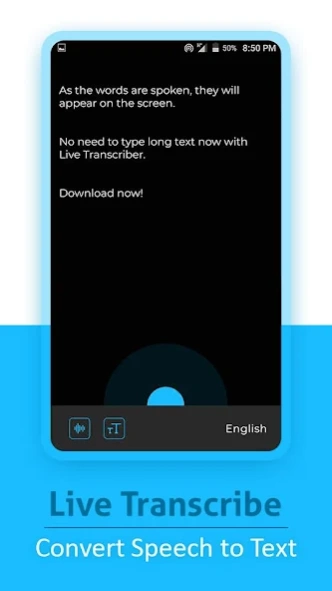
Live Transcribe Convert Speech to Text Not have the time or just don’t feel like listening to the speech message? Just share it from WhatsApp to TranscribeIt and read what has been spoken.
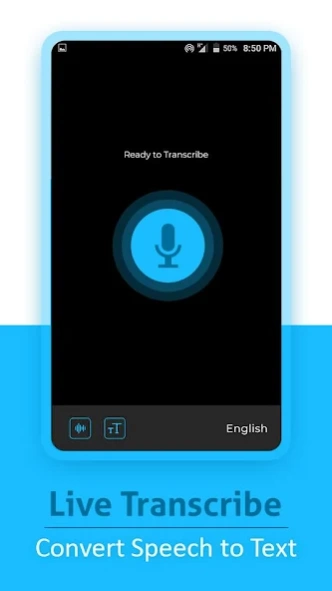
A simple to use app for dictating text which can be sent as an SMS or Email or copied and pasted into another app. The app uses Androids built-in Speech Recogniser to turn speech into text.
🏆 MAIN FEATURES 🏆
----------------------------------------------------
☘ Create text notes, email, sms, sns by speech recognition
☘ No limits on the size/length of note created
☘ Custom keyboard supported
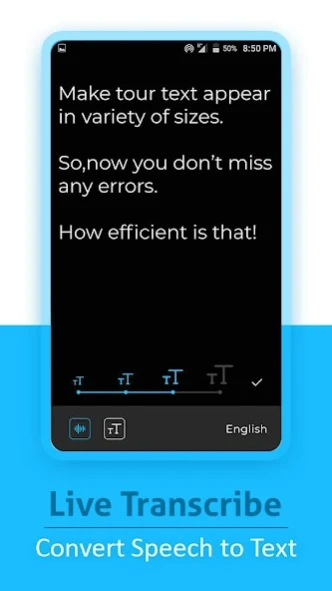
☘ Write short or long texts easily
☘ Auto spacing
☘ Auto saving
☘ Share
☘ Edit text ,while dictation
About live transcribe - speech to te
The company that develops live transcribe - speech to te is Saint Dev. The latest version released by its developer is 1.2.
To install live transcribe - speech to te on your Android device, just click the green Continue To App button above to start the installation process. The app is listed on our website since 2022-08-28 and was downloaded 3 times. We have already checked if the download link is safe, however for your own protection we recommend that you scan the downloaded app with your antivirus. Your antivirus may detect the live transcribe - speech to te as malware as malware if the download link to com.saintdev.live.transcribe is broken.
How to install live transcribe - speech to te on your Android device:
- Click on the Continue To App button on our website. This will redirect you to Google Play.
- Once the live transcribe - speech to te is shown in the Google Play listing of your Android device, you can start its download and installation. Tap on the Install button located below the search bar and to the right of the app icon.
- A pop-up window with the permissions required by live transcribe - speech to te will be shown. Click on Accept to continue the process.
- live transcribe - speech to te will be downloaded onto your device, displaying a progress. Once the download completes, the installation will start and you'll get a notification after the installation is finished.
